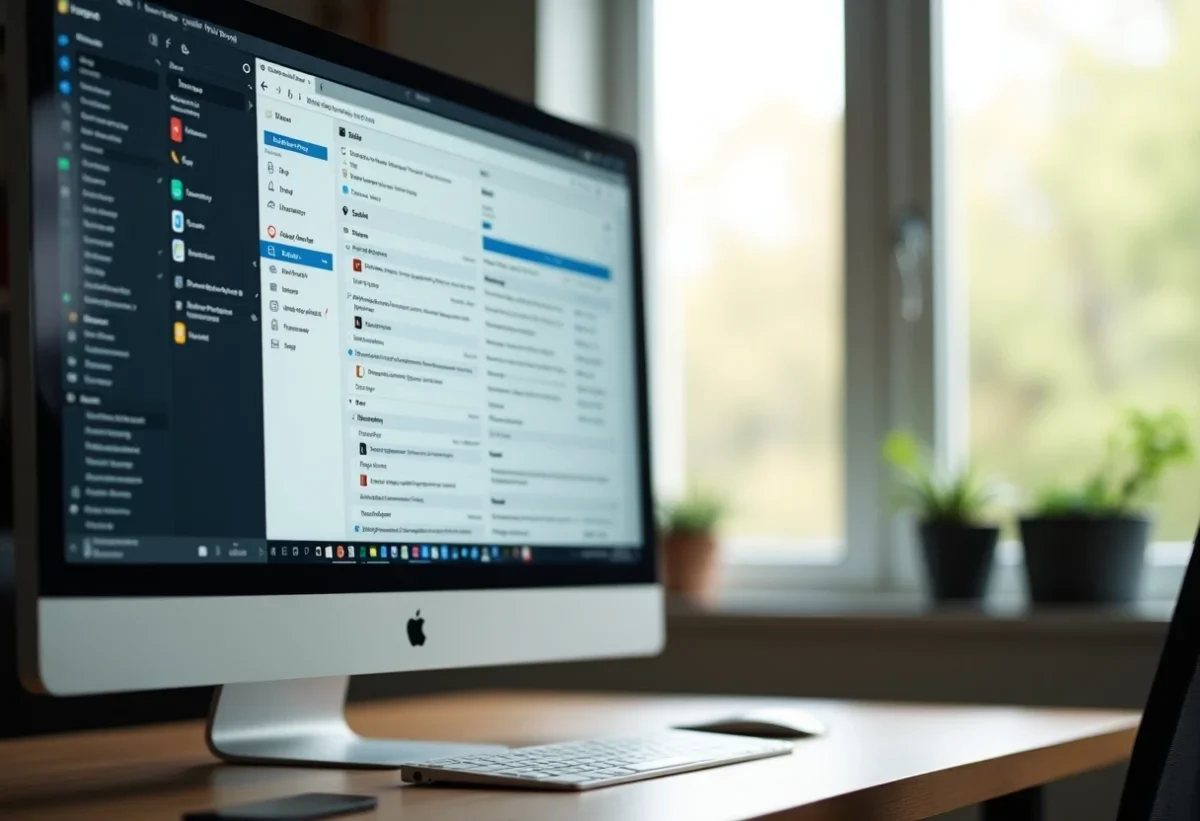
The effective management of your professional email can make all the difference between a productive day and a chaotic one. Hundreds of emails can quickly overwhelm your inbox, making it difficult to find important information.
Consider adopting a few simple strategies to maintain control. Filtering emails, creating dedicated folders, and using automatic rules can help you organize your messages. By taking a few minutes each day to sort and respond to important emails, you can avoid accumulation and improve your work efficiency.
Mastering these techniques will allow you to spend more time on essential tasks and less on managing a cluttered inbox.
Why optimize your professional email?
Optimizing your professional email is not a luxury; it is a necessity. In France, 1.4 billion emails are sent every day, highlighting the scale of the challenge. Each employee receives an average of 58 emails per day and sends 33. The mental load caused by this avalanche of emails directly affects employee efficiency and contributes to digital pollution.
Reducing mental load
The incessant reception of notifications distracts concentration and decreases productivity. According to a study conducted by the University of California Irvine, frequent interruptions lead to more stress and faster work, but of lower quality. David Burkus, author of ‘Under New Management’, has demonstrated that rigorous management of emails can reduce this mental load.
- Filter emails to keep only the essentials.
- Create dedicated folders to organize your messages.
- Use automatic rules to automatically sort emails.
Environmental impact
Sending an email produces an average of 30g of CO2, equivalent to leaving a light bulb on for 24 hours. With 0.3% of global greenhouse gases attributed to emails, the environmental impact is significant. A company with 100 employees pollutes as much as 14 round trips from Paris to New York in a year. Using solutions like IA85 Webmail can help minimize this impact by optimizing resource usage.
Improving efficiency
French people unnecessarily store between 10,000 and 50,000 emails, cluttering inboxes and slowing down searches. Jean, a middle manager, would prefer to discuss face-to-face or use internal messaging to reduce this overload. By clearing your inbox of at least 1,000 emails, you gain clarity and speed.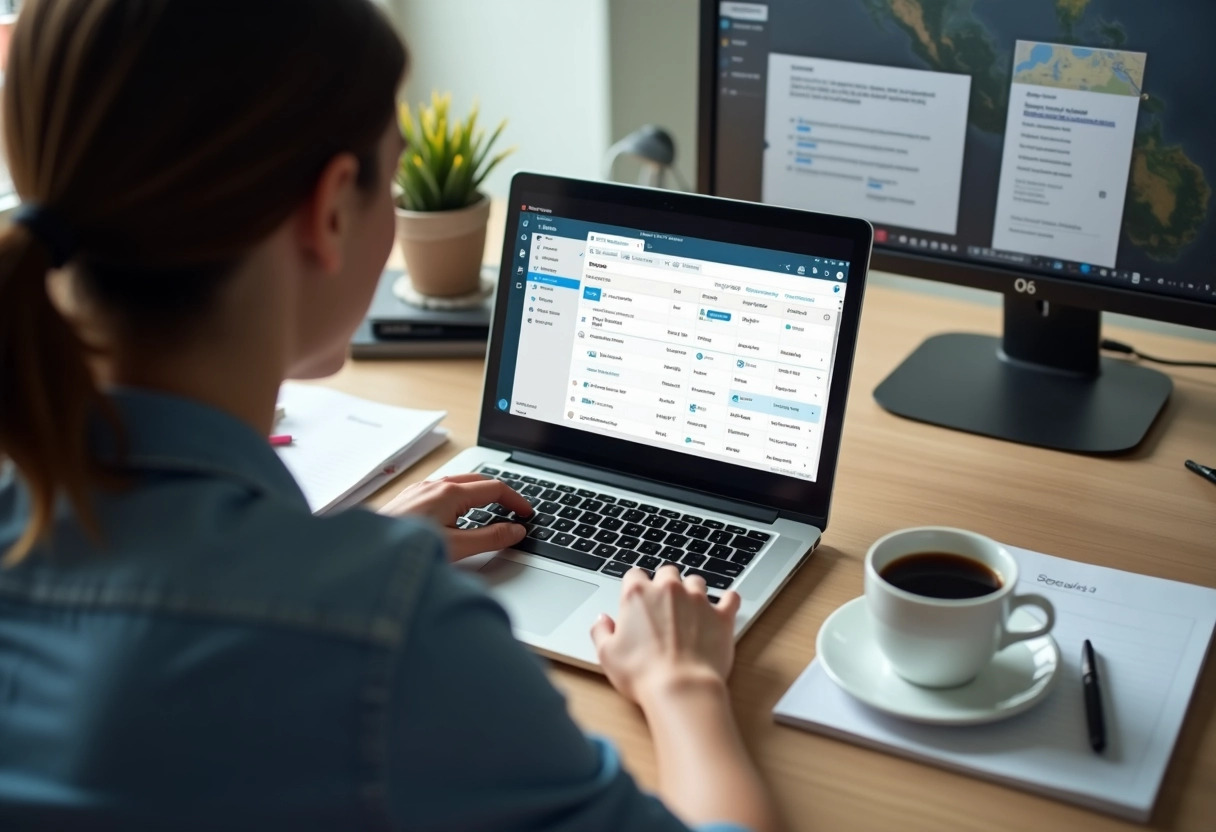
Tips and tricks for effective email management
Filter and organize
For optimal management, start by filtering your emails. Newsletters, spam, and other unwanted mail often clutter the inbox. Use automatic rules to direct them to specific folders. This helps maintain a clear and functional inbox.
- Create dedicated folders for each project or client.
- Use filters to sort emails by priority.
Write clear email subjects
The email subject should be precise to determine urgency and importance. A well-written subject facilitates priority management and allows for quicker responses. For example, directly mentioning the subject and deadline in the subject line helps capture the recipient’s attention.
Schedule email checking times
Check your emails at specific times of the day. This reduces interruptions and allows for better focus on important tasks. David Burkus recommends limiting checks to three times a day to maximize efficiency.
Use management tools
Solutions like IA85 Webmail offer advanced features to automate email management. These tools save time and minimize environmental impact by optimizing resource usage.
Regularly delete unnecessary emails
French people unnecessarily store between 10,000 and 50,000 emails. Regularly delete outdated emails to free up space and improve your inbox performance. A decluttered inbox makes searches easier and reduces mental load.